
幫助中心
發布時間: 2024-08-01 11:06:51User Guides for OTP
Keep your account super secure by enabling One Time Password.
Download App
iPhone: search Microsoft Authenticator or Google Authenticator in App Store, then download and install it.

Android: download and install Microsoft Authenticator or Google Authenticator from the Android Market.

Account Center
1. Please access to account security center, then set OTP.

2. Setting page
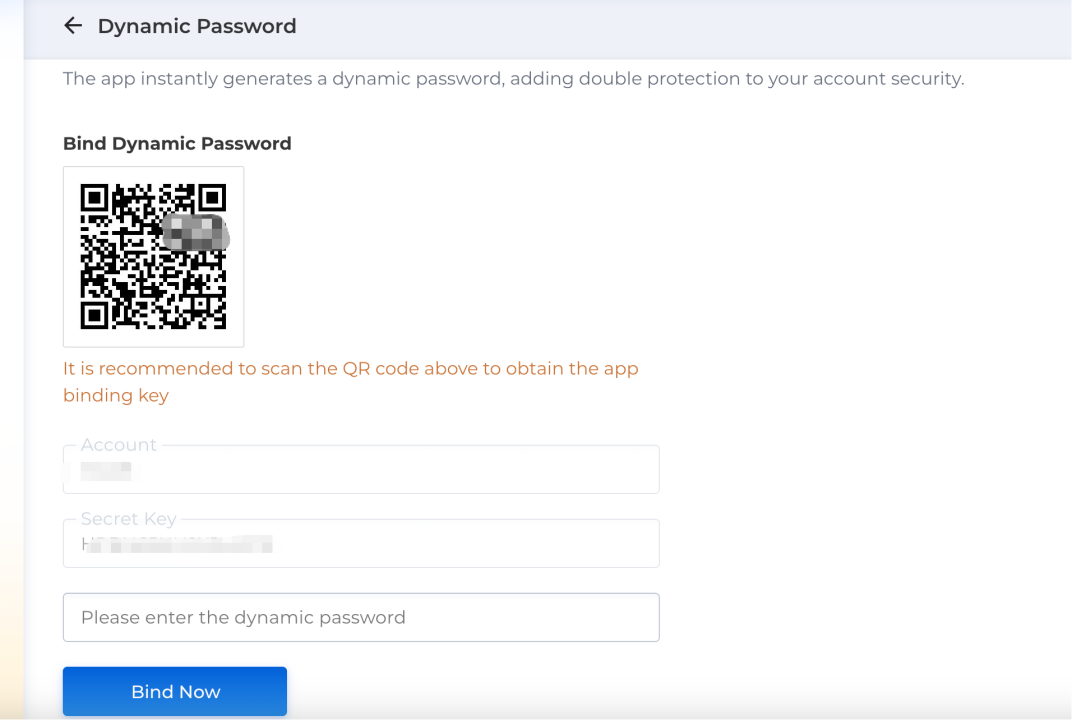
Add account in Microsoft/Google Authenticator
1. You can scan QR code or enter a setup key.
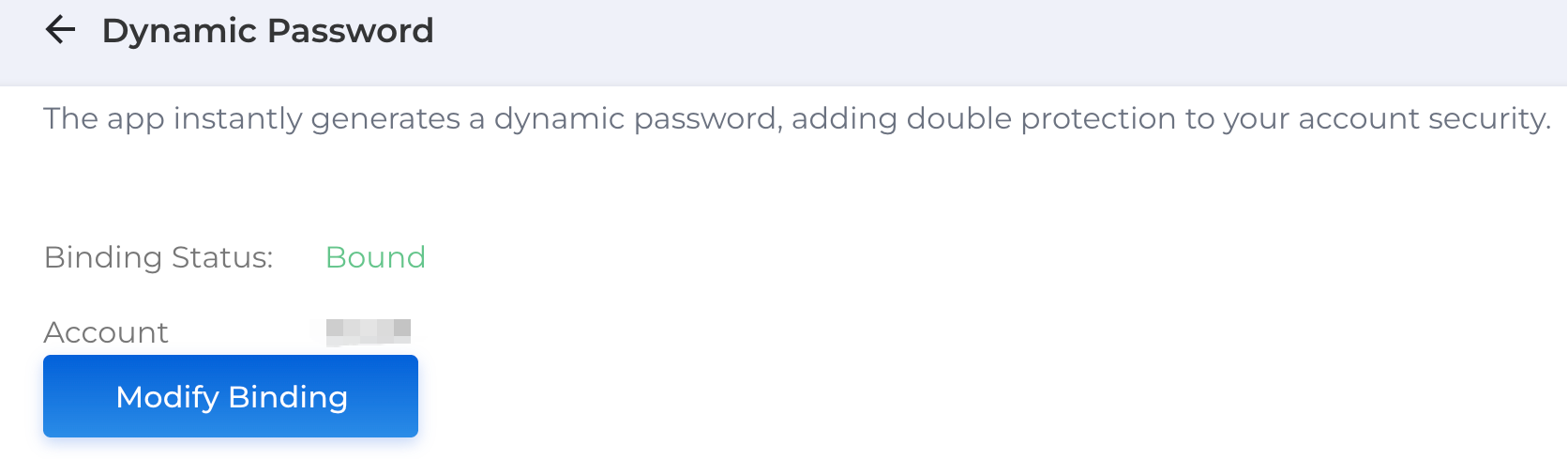
2. You can see One Time Password after added account, please remain the account carefully, you can't operate if remove it.
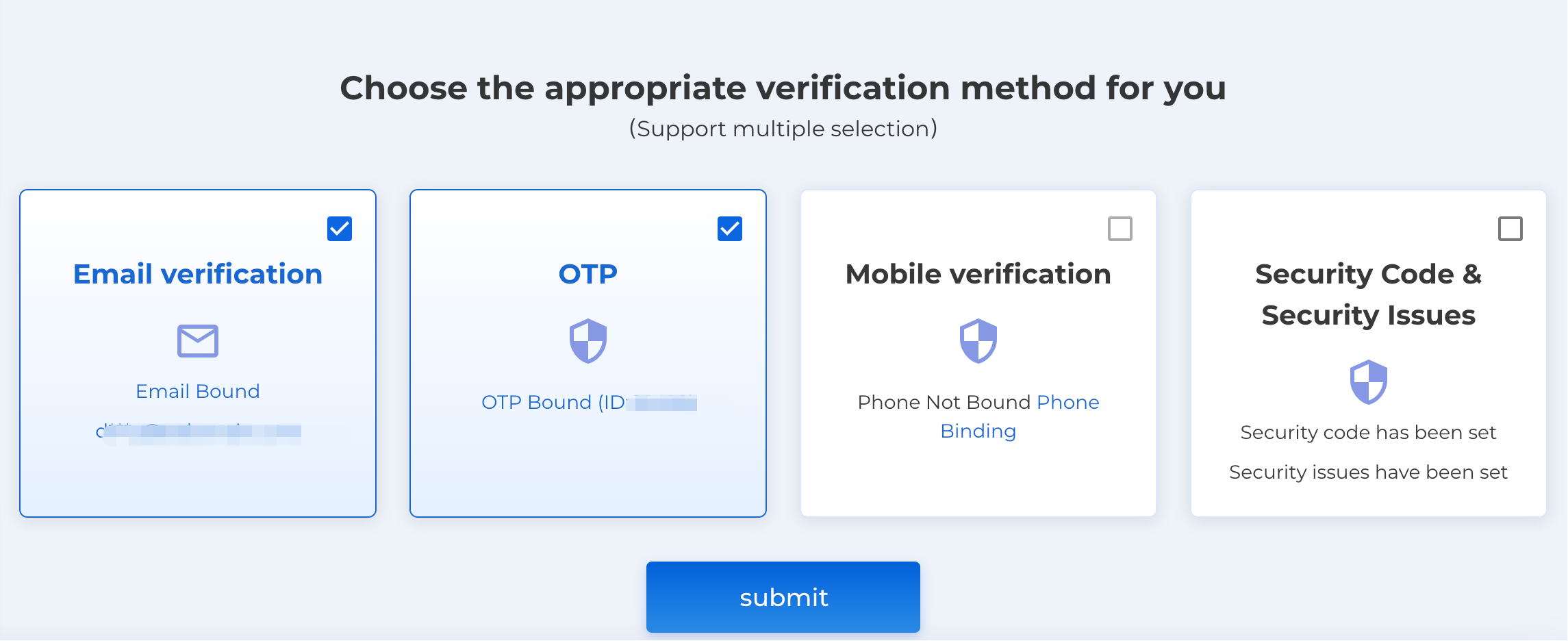
OTP can be one of the verification methods for account security.
Note:
1. Please download and install the latest version of Authenticator.
2. Please don't share one time password or transfer your account to others.
最新推薦
2026-04-14 15:20:01
域名whois狀態的含義說明
2026-04-14 15:19:37
註冊域名前需要知道這些事
2026-04-14 15:18:29
影響域名價格的因素
2026-04-14 15:18:25
選擇域名註冊商最重要的因素是什麼?
2026-04-14 15:18:13
最受歡迎的域名後綴排行榜
2026-04-14 15:17:19
什麼是域名經紀人?
2026-04-14 15:16:54
好域名應具備的10大特點
2026-04-14 15:15:27
動態口令綁定教程
2026-03-19 16:29:09
重要通知
2026-03-05 10:17:19