
FAQ
Release Time: 2022-02-21 18:09:09How Do I Retrieve Login Password?
How Do I Retrieve Login Password?
Your login password can be retrieved via email.
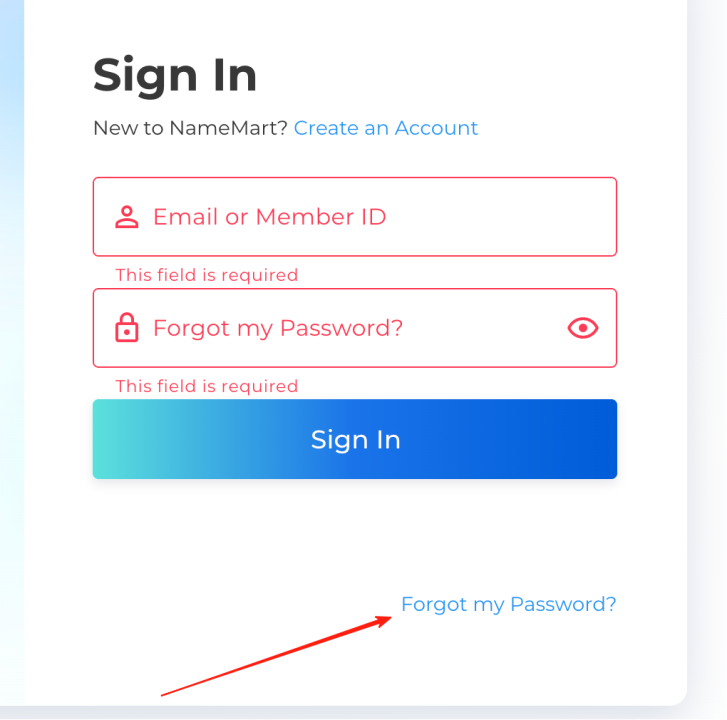
If you remember the email address added to your account, and the email address works normally, please click "forgot my password".
1. Fill in your email address and submit, our system will send a password recovery email to your email account.
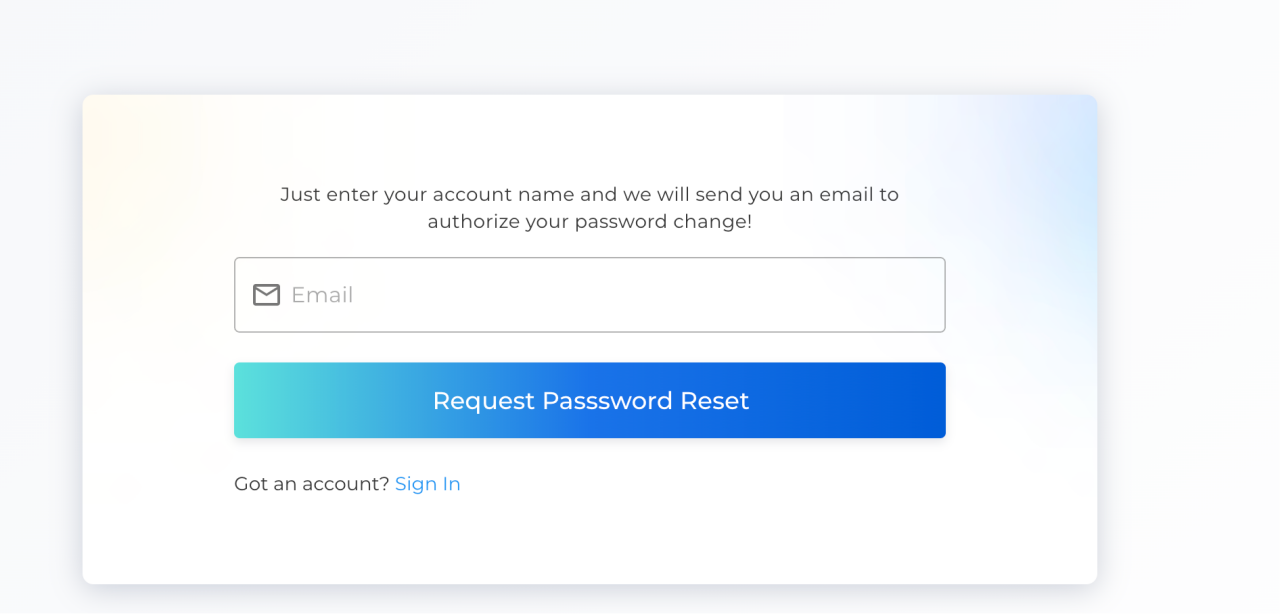
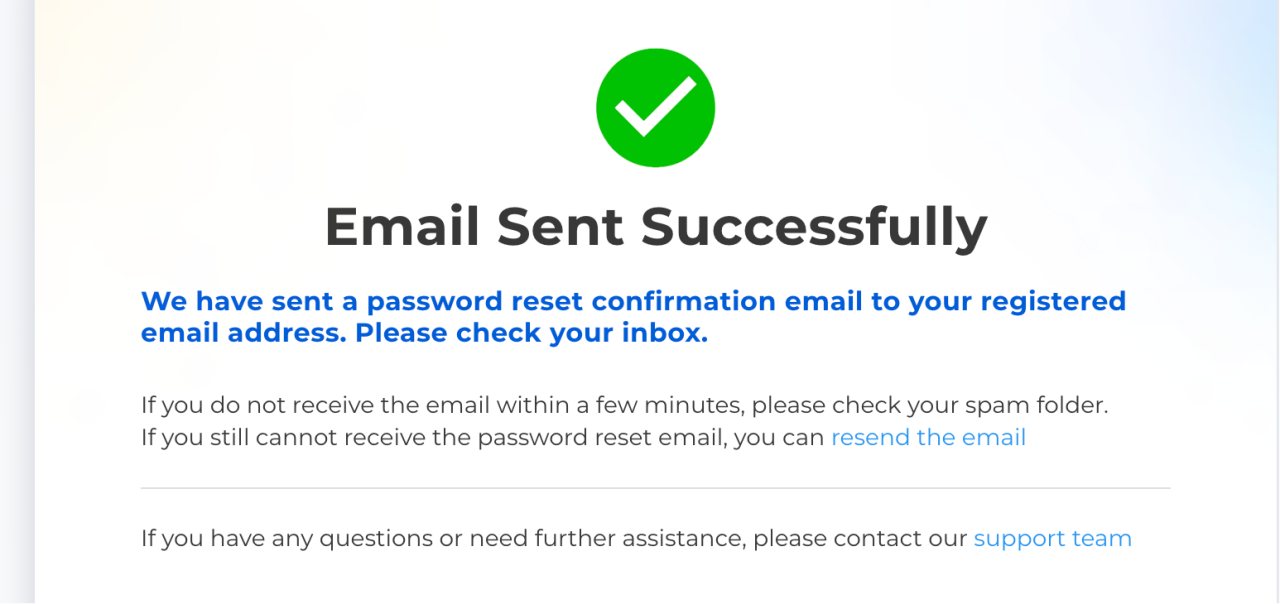
2. Log into your email account and click the link to complete password recovery.
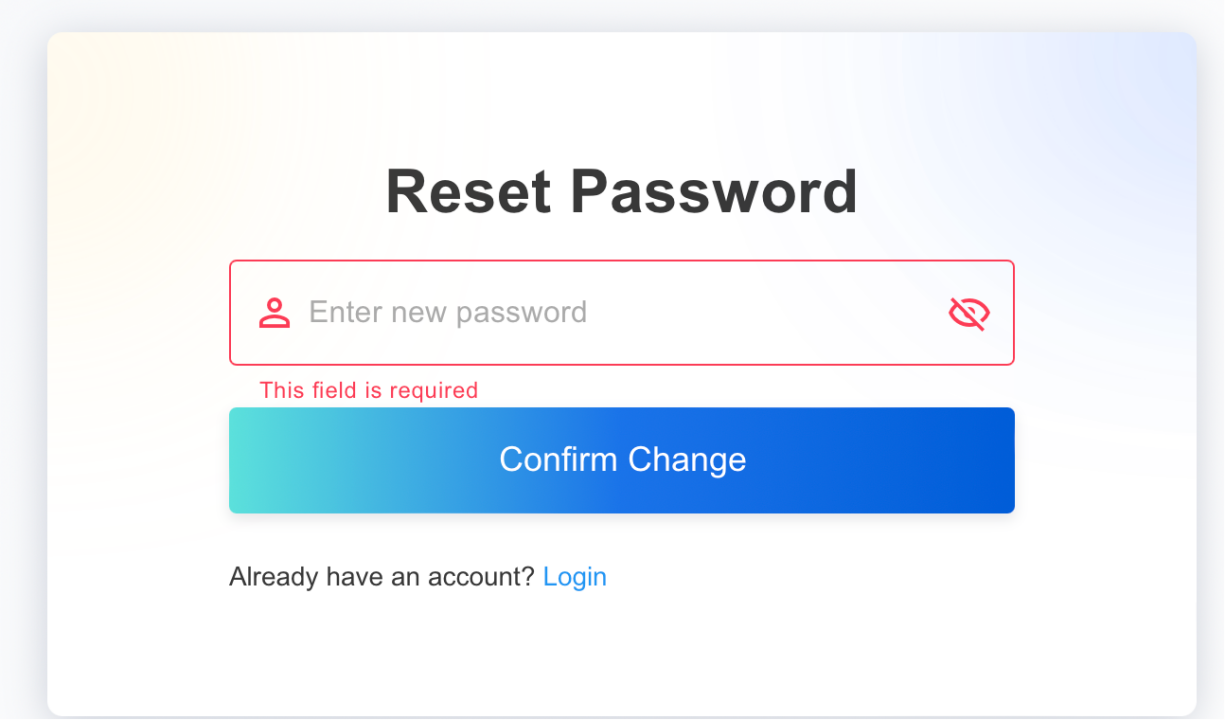
3. Enter your new password and click "Confirm change", your password recovery is completed.
Tips:
1. Your added email and password are the credentials for you to access NameMart, please be sure to remember them.
2. If you forget your email login password or the email account cannot work normally, please update your current email address first to retrieve your password.
Recommended
2026-10-30 16:36:55
.COM Prices Increase November 1
2026-03-19 16:51:11
Important Notice
2024-08-01 11:06:51
User Guides for OTP
2024-03-05 17:23:07
How to Place Backorder?
2023-08-16 08:44:41
10 characteristics of a good domain name
2022-04-24 17:57:14
Everything You Need To Know About Domain Brokers
2022-04-02 17:44:25
Which Domain Extensions are the Most Popular?
2022-03-31 18:12:01
4 Things to Look For in a Domain Registrar
2022-03-31 18:06:31
Domain Name Prices: Why Do Some Domains Cost More?
2022-03-09 17:30:44