
Help Center
Release Time: 2024-08-01 11:06:51User Guides for OTP
Keep your account super secure by enabling One Time Password.
Download App
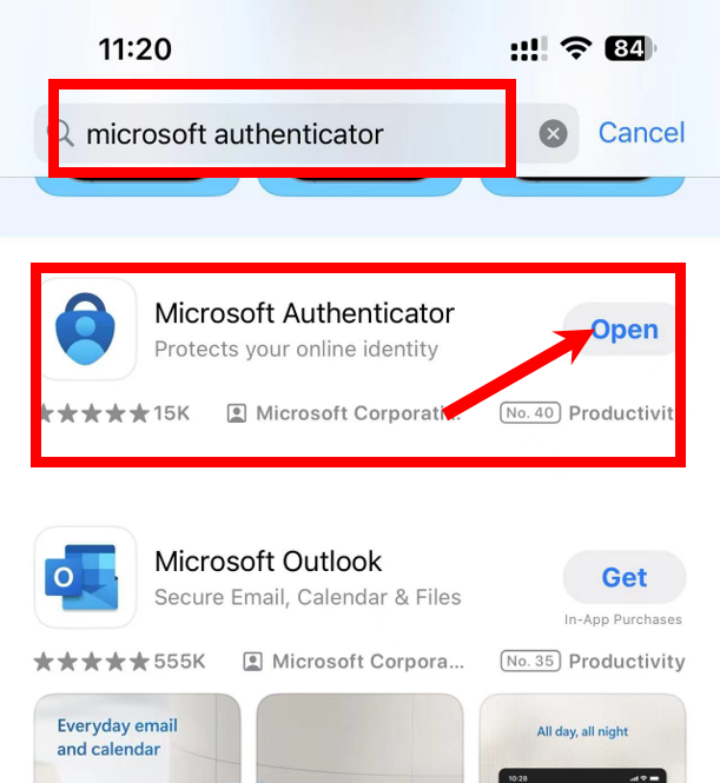
iPhone: search Microsoft Authenticator or Google Authenticator in App Store, then download and install it.
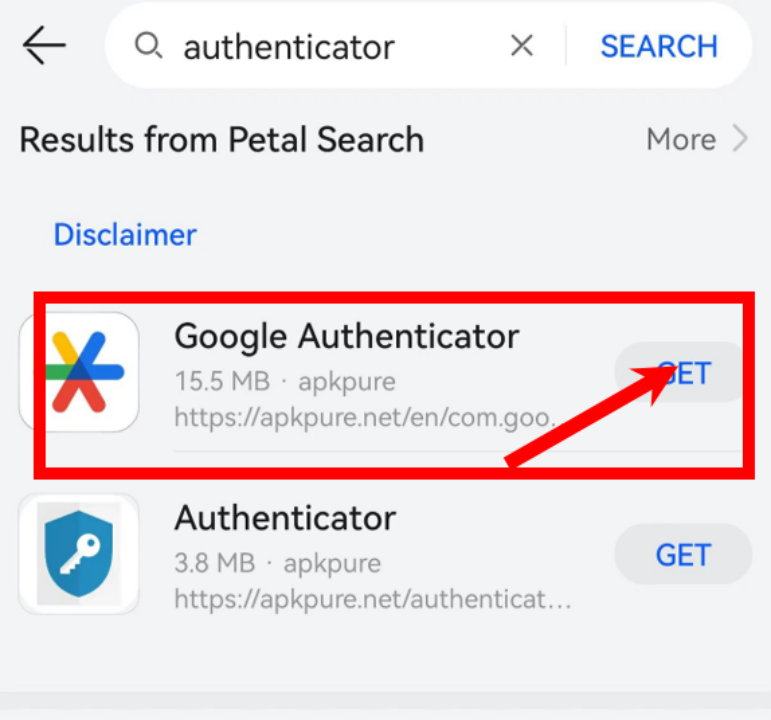
Android: download and install Microsoft Authenticator or Google Authenticator from the Android Market.
Account Center
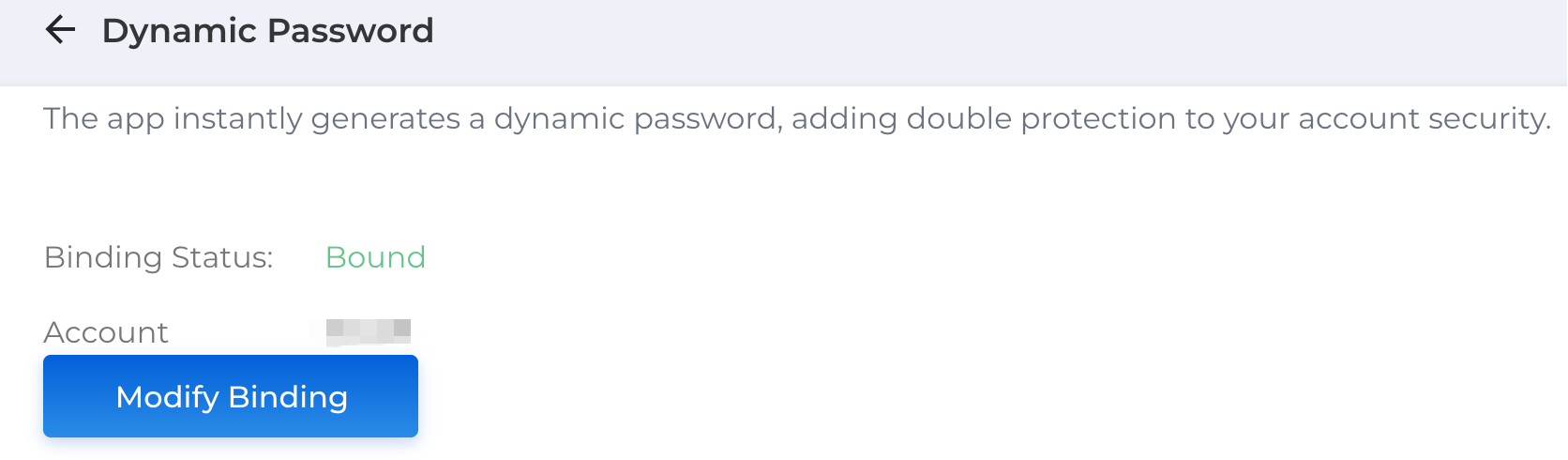
1. Please access to account security center, then set OTP.
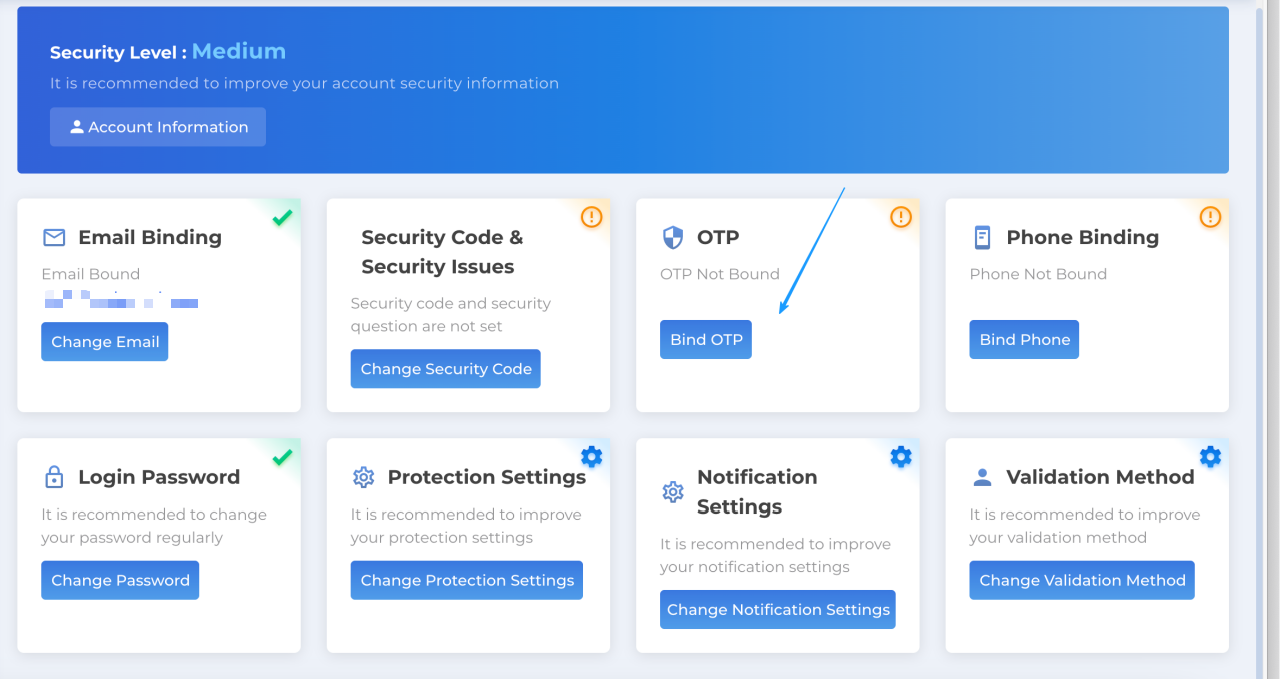
2. Setting page
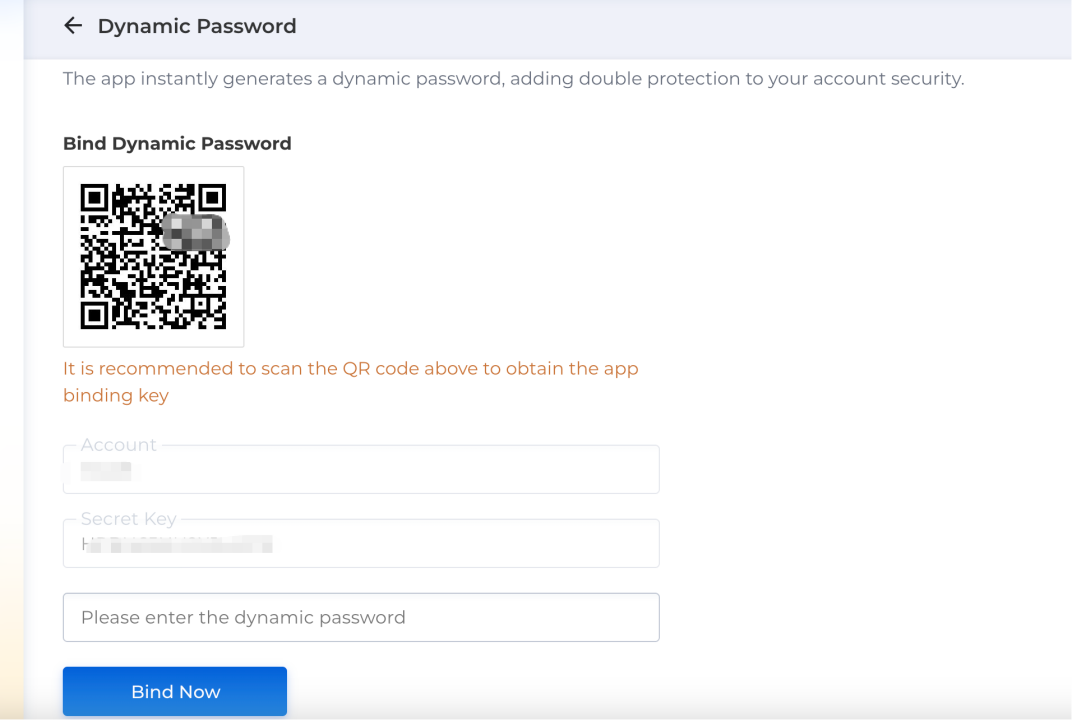
Add account in Microsoft/Google Authenticator
1. You can scan QR code or enter a setup key.
2. You can see One Time Password after added account, please remain the account carefully, you can't operate if remove it.
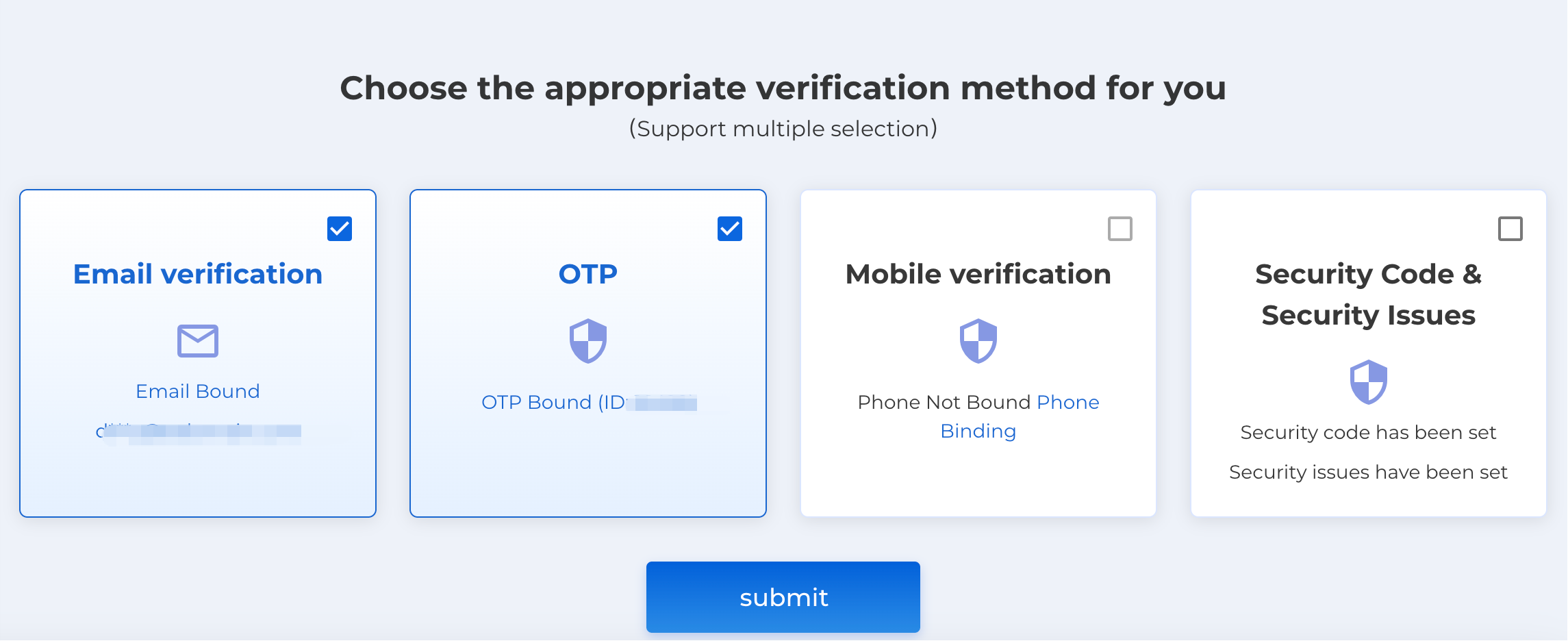
OTP can be one of the verification methods for account security.
Note:
1. Please download and install the latest version of Authenticator.
2. Please don't share one time password or transfer your account to others.
Recommended
2026-10-30 16:36:55
.COM Prices Increase November 1
2026-03-19 16:51:11
Important Notice
2024-08-01 11:06:51
User Guides for OTP
2024-03-05 17:23:07
How to Place Backorder?
2023-08-16 08:44:41
10 characteristics of a good domain name
2022-04-24 17:57:14
Everything You Need To Know About Domain Brokers
2022-04-02 17:44:25
Which Domain Extensions are the Most Popular?
2022-03-31 18:12:01
4 Things to Look For in a Domain Registrar
2022-03-31 18:06:31
Domain Name Prices: Why Do Some Domains Cost More?
2022-03-09 17:30:44